Model S & X MCU1 Black Screen: How Owners Fixed the eMMC Failure
By the EV Fix Guide team · · 4 min read
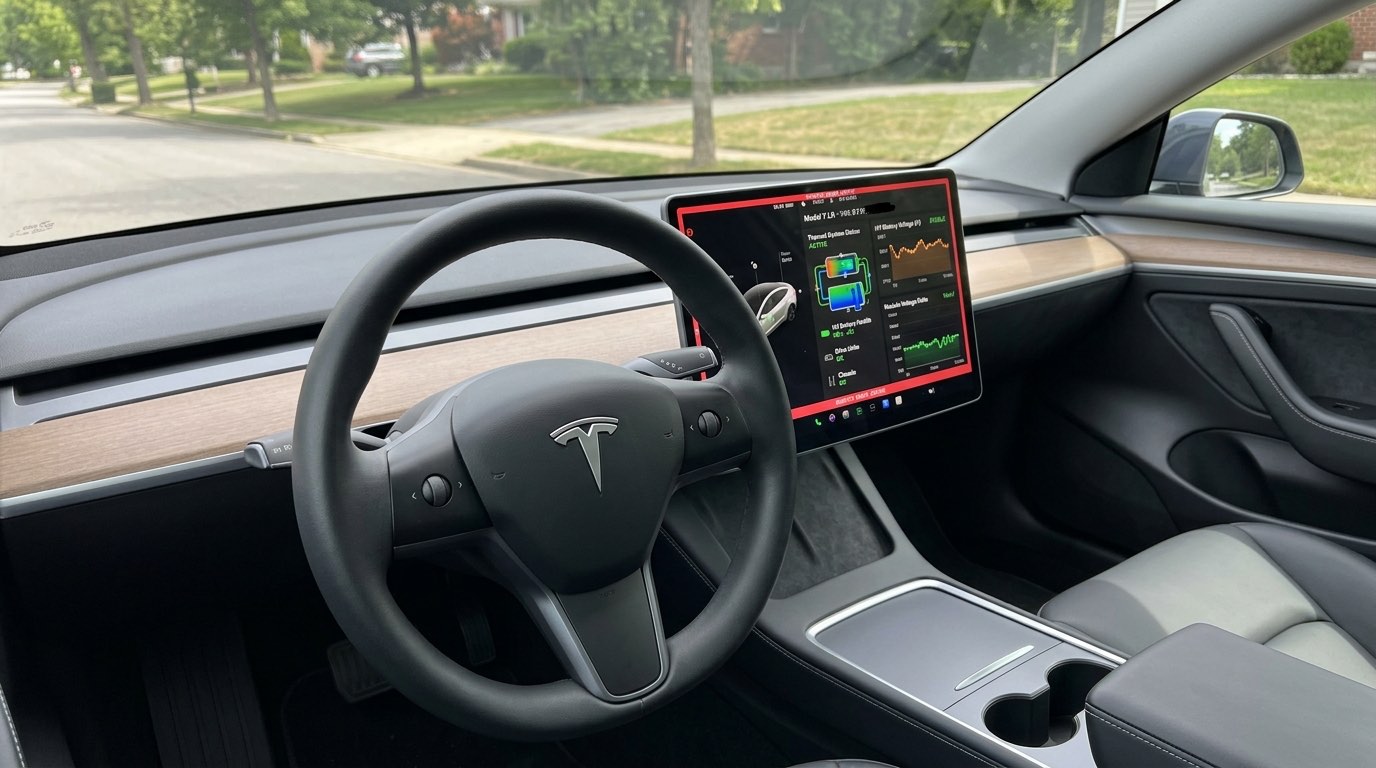
On 2012–2018 Model S and 2016–2018 Model X cars with the original Tegra-based media computer (MCU1), the touchscreen eventually starts to lag, reboots on its own and finally goes black. The root cause is well known by now: an 8GB eMMC flash chip that wears out from years of constant log writes [3]. What owners argue about on the forums is the fix.
We read through the most detailed Tesla Motors Club threads on the subject to see which repairs held up, which did not, and what each route cost. Here is what owners reported.
What owners learned
- A dead MCU1 is not just a missing radio: owners lost turn signals and the ability to defog the windshield [2][3].
- A software reset or restore from Tesla can wake the screen up, but one owner said it lasted only about a month [2].
- The eMMC recall replaces the memory chip for free on MCU1. It does not include an MCU2 upgrade [4].
- A new chip does not cure every MCU1. Several owners kept getting blackouts and reboots, which Tesla blamed on the mainboard [5][6].
- MCU2 was the lasting fix for owners with repeated failures, at roughly $1,500 to $2,500 depending on hardware and radio options [4][6].
The warning signs owners describe
Most threads start the same way. The screen becomes slow, streaming apps hang on loading, voice commands stop responding and the system reboots, sometimes for several minutes at a time [6]. Then one day the display freezes and goes dark.
At that point the usual two-scroll-wheel reboot often does nothing [3]. Because the MCU also runs the turn signal and climate logic on these cars, owners described driving to service without indicators and without a way to clear a fogged windshield [2][3]. That is why it is worth acting while the screen is merely slow.

Fix 1: the software reset at the service center
One owner whose screen died on the way to service got it back with a hard reset and software restore, paying only a diagnostic fee of around $185. Tesla quoted about three weeks for a proper board replacement [2].
Another member in the same thread warned that the same reset had bought them only about a month before the screen failed again, and recommended going straight to the hardware fix [2]. Treat a reset as a way to get the car home, not a repair.
Fix 2: the eMMC recall (and its limits)
After the NHTSA investigation, Tesla recalled MCU1 cars in 2021 to replace the eMMC. Owners on TMC weighing their options pointed out that the recall covers the chip swap only. It is not a free upgrade to the faster MCU2 computer [4]. Members reading the recall letter also noted that owners who had already paid for a repair could apply for reimbursement [4].
The catch is that a fresh chip does not fix every car. A 2012 Model S owner had the daughterboard replaced and a 64GB eMMC fitted, and two weeks later the screen was blanking again along with the turn signals and climate. Tesla said the problem was now the motherboard and FPGA and quoted an MCU2 upgrade instead [5]. A late-2017 Model S owner reported the same pattern: more than ten service visits and an eMMC replacement, but the crashes and long reboots continued [6].

Fix 3: replacing the chip yourself or at an electronics shop
Before the recall, a European owner who had been quoted about €3,000 for a new MCU planned a preventive swap himself. His parts list: a 64GB Swissbit industrial eMMC for about €80, a BGA socket programmer, a bit-for-bit image of the old chip made with dd, and a phone or electronics repair shop with BGA rework gear to do the soldering [1].
Other members were blunt that this is not a beginner job: BGA chips are soldered under the package, and a botched rework can kill the board entirely [1]. If you go this way, use a shop that does board-level repair daily.

Fix 4: upgrading to MCU2
For owners whose MCU1 kept failing after the chip swap, the upgrade to MCU2 was the fix that stuck. Prices quoted on TMC moved over time: many paid around $2,500 in 2020, then roughly $1,500 in 2021, with $1,500 to $2,500 quoted depending on Autopilot hardware and radio options [4][6].
Owners who upgraded reported much faster maps and media and working voice commands again, and one said the reboots largely stopped after paying about $2,000 [4][6]. The trade-off mentioned most often was losing AM radio [4]. One owner still had a black screen after upgrading and needed further diagnosis, so the upgrade is not a guarantee either [4].
What it cost owners
- Software reset at service: about $185 diagnostic fee [2]
- Daughterboard swap at Tesla: estimated in the low $300s [2]; one owner was waiting on a roughly $400 reimbursement [5]
- Full MCU1 replacement out of warranty: about $3,500 (2019 estimate) [3], or about €3,000 in Europe [1]
- MCU2 upgrade: about $1,500 to $2,500 [4][6]
- DIY or independent chip swap: about €80 for the chip plus a programmer and BGA rework labor [1]
Full repair guide and cost table
Step-by-step fix, tools and Tesla vs independent shop vs DIY prices: Tesla MCU1 eMMC Failure (Black Screen): Repair vs Upgrade.
Tesla Service $1,600 - $2,500 (MCU2 Full Upgrade) · independent shop $250 - $450 (64GB eMMC Chip Repair) · DIY not recommended
Sources: owner forum threads and references
- [1] Preventive eMMC replacement on MCU1 · Tesla Motors Club, May 2019Owner plans a 64GB Swissbit chip swap with a BGA programmer and shop soldering.
- [2] Dead MCU Software 'Fix' vs EMMC Replacement by Tesla · Tesla Motors Club, Aug 2020Software reset for a diagnostic fee versus a daughterboard swap.
- [3] Likely MCU Failure (MCU1 eMMC) · Tesla Motors Club, May 20192015 Model S 85D screen goes black at 46,000 miles; whole MCU replaced under warranty.
- [4] eMMC recall vs. MCU2 Upgrade · Tesla Motors Club, Feb 2021What the recall covers, MCU2 pricing and owner experience after upgrading.
- [5] MCU1 Bricked After EMMC replacement? · Tesla Motors Club, Mar 2021Screen fails again two weeks after a 64GB eMMC; Tesla blames the mainboard.
- [6] Helping w/ Model S MCU Issues · Tesla Motors Club, Aug 2021Reboots continue after an eMMC fix; owners recommend MCU2.
We summarise owner reports in our own words and link to the original threads; individual results vary. Videos belong to their creators and are embedded from YouTube.
Tesla Model S fixes & recalls, by email
One email a month. New fixes, recalls, real prices. Free.
More owner repair stories
- Tesla Service Mode: How to Open It and What to RunThe hidden diagnostics menu every Tesla has, and the four tests worth running.
- How to Reset a Tesla: Soft Reset, Power Off and 12V RebootThree resets, from 15 seconds to 10 minutes. Start with the lightest one.
- Tesla DIY Tool Kit: What You Need (and What Not to Touch)Torx set, jack pads, trim tools. And the jobs you should never do at home.
- Does an Independent Shop Void Your Tesla Warranty?Short answer: no. Here is what the law says and where the limits are.
This guide is for information only. High-voltage components (orange cables) can be lethal — leave them to trained technicians. Not affiliated with Tesla, Inc.